How I Work Out the Real Cost of Google Play Closed Testing
The $25 fee is the cheap part. Here's how I price 12 testers for 14 days.
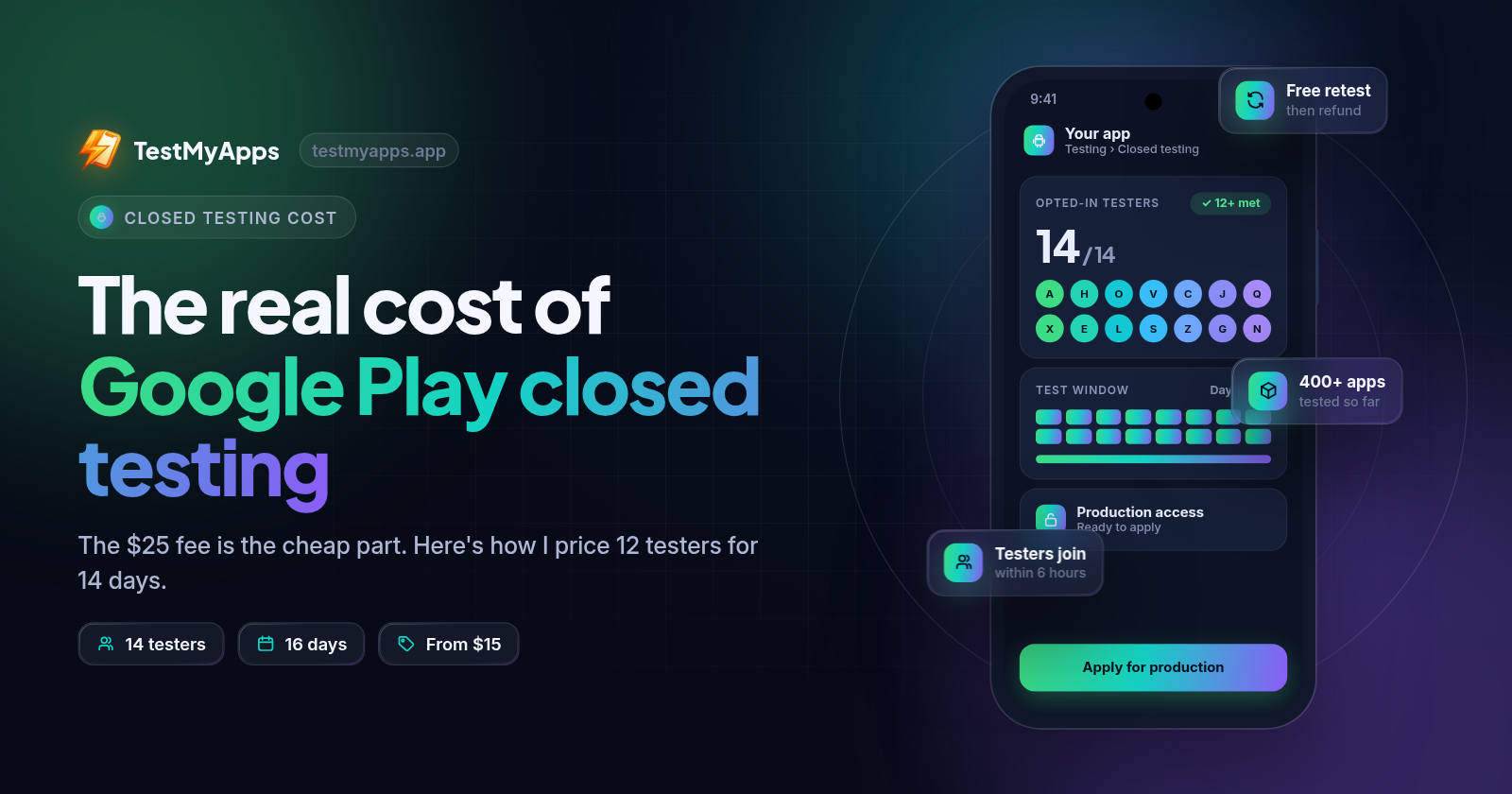
Ask around about Google Play closed testing cost and you'll mostly hear "$25." That's the developer registration fee. It's also the only number with a receipt, which is why it gets quoted.
The fee is not what slows a launch down. Two weeks of running a test is. So before I start a closed test now, I price it the way I'd price any other small job: hours, risk, and what waiting costs me. Here's how I do that, and how I decide whether to run it myself or pay someone.
The rule we're paying for
If you have a personal developer account created after November 13, 2023, Google wants a closed test before it lets you publish to production. The short version:
Create a closed testing track in Play Console (Test and release > Testing > Closed testing).
Add testers with an email list or a Google Group, and share the opt-in link.
Roll out a build to that track.
Keep at least 12 testers opted in for 14 days in a row. That's the "12 testers for 14 days" everyone talks about.
Then apply for Google Play production access from the Dashboard and answer Google's questions about the test.
Organization accounts don't have this requirement. If you're on a personal account and it's catching you by surprise, you're not the only one.
What Google actually charges
The $25 registration is a one-time fee. Creating a closed track is free. You can't pay Google to shorten the 14 days, and you can't pay to skip the questions at the end.
So the cash cost is basically fixed and small. Everything else on the bill is time.
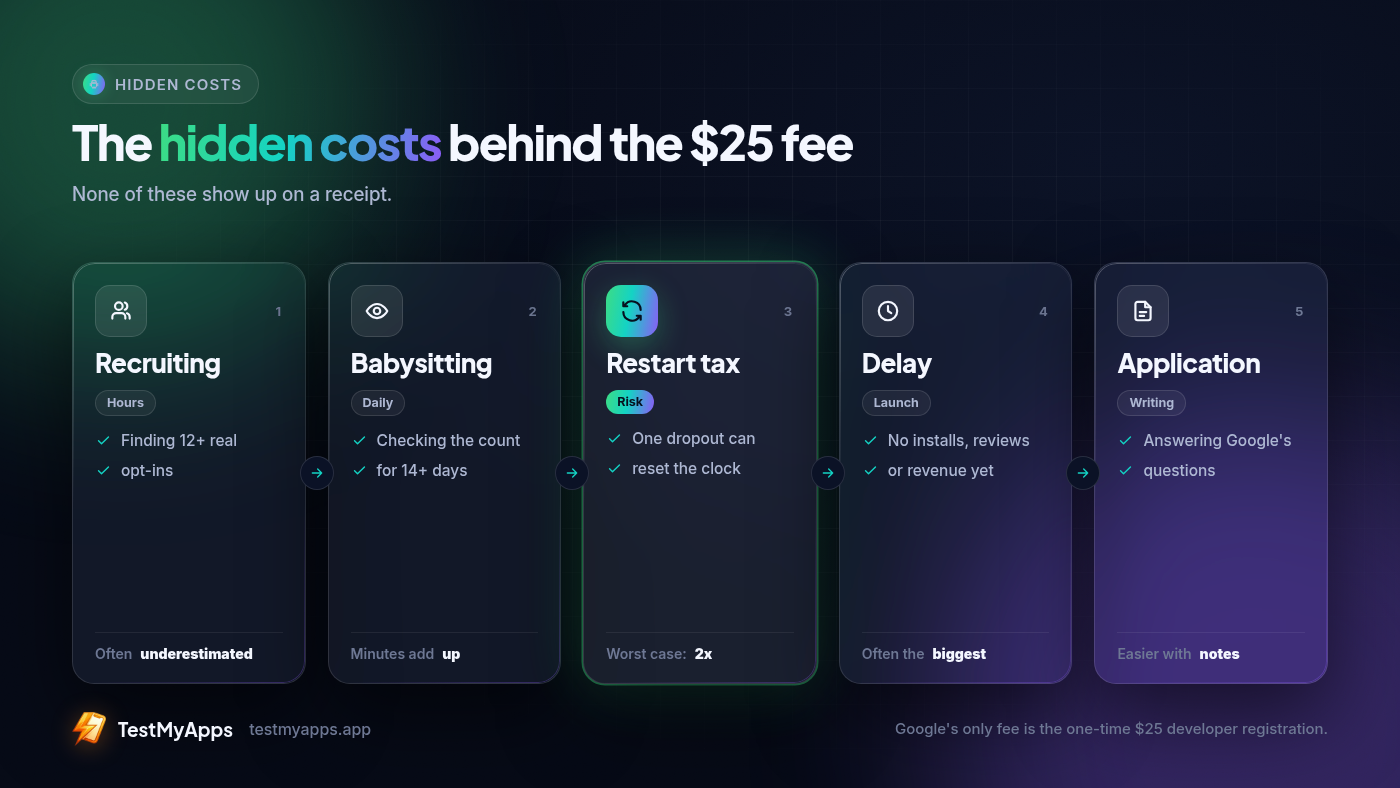
The five line items I budget for
Recruiting
Getting 12 testers sounds easy. Then you need 12 people with Android phones who will open a link, sign in with the right Google account, tap "Become a tester," and then install from the Play Store. Plenty of people say yes and never do the last two steps.
Expect to ask a lot more than twelve people. A good chunk of the time goes on small fixes: "which Gmail is on your phone?", "the link says not found," "I installed it from the file you sent." That last one is a sideload, and a sideload doesn't count toward the 12.
Daily checks
The 14 days have to be continuous. If someone opts out, uninstalls, or moves to a new phone and drops off, your count can dip below 12, and the clock can start over.
So someone has to look every day. On a quiet day that's a few minutes. On a bad day it's chasing two people who went silent while you're trying to ship a fix.
The restart tax
This is the one I used to leave out. Slip under 12 on day 11 and it isn't three days you're short. You may be starting from zero, plus the recruiting work to replace whoever left.
A restart means paying for the recruiting and the daily checks a second time. That's why I budget for it even when I'm feeling confident.
Writing the production-access answers
Finishing the 14 days doesn't publish anything. It lets you apply. Google then asks how you recruited testers, how engaged they were, what feedback you got, and what you changed.
If I didn't keep notes during the test, this turns into an evening of trying to remember which build fixed what. I now treat it as a production-access report I fill in as I go, not a form I face at the end.
Waiting
While you wait, the app isn't live, so nobody finds it in search, nobody leaves a review, and nothing gets paid. For a side project, that might not matter much. For a client app or a launch tied to a date, it's usually the biggest cost on the list.
My closed testing cost worksheet
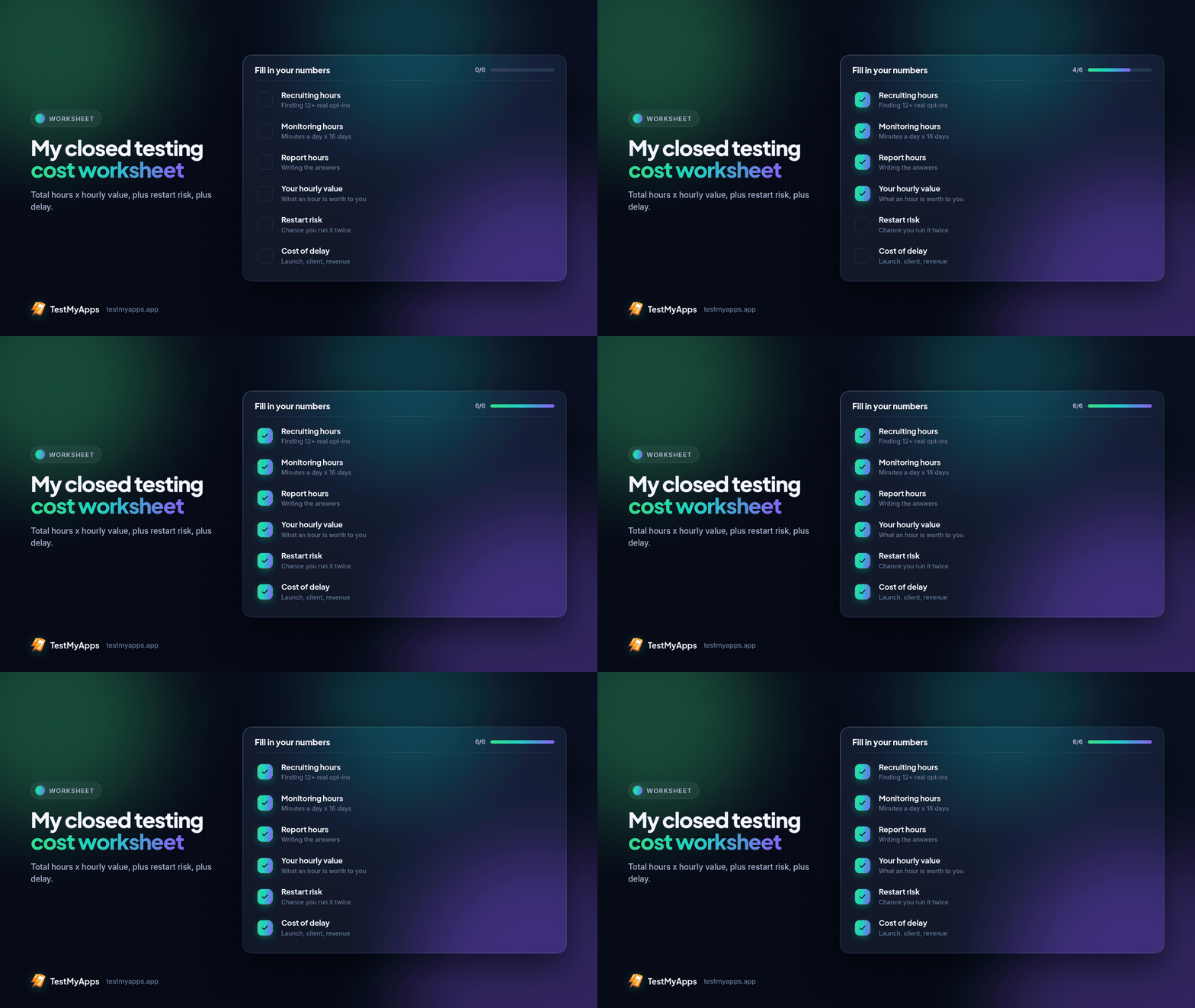
I don't try to be precise. I just want honest, rough numbers. These are the rows I fill in:
| Line item | How I estimate it |
|---|---|
| Recruiting hours | People I'll need to ask, plus follow-ups and wrong-email fixes |
| Monitoring hours | Minutes per day × 16 days (I plan a couple of spare days), plus fixes |
| Report hours | Writing up the test for Google's production-access questions |
| Hourly value | My freelance rate, or what I'd rather be building |
| Restart risk | My honest odds of a dropout, × one more full window |
| Delay cost | What one more week offline costs me |
Then the math: total hours × hourly value, plus restart risk, plus delay.
Here's a made-up example so the formula is clear. These are placeholder numbers, not data. Say recruiting takes 5 hours, checks take 15 minutes a day for 16 days (4 hours), and the report takes 2 hours. That's 11 hours. At $20 an hour, that's $220 before you count any chance of a restart or a week of delay. Put your own numbers in. For some people the total really is close to zero, and that's fine.
One check I use on myself: if a friend asked me to run a two-week tester-wrangling job for free, would I say yes? If not, I shouldn't call my own DIY run free either.
Four ways to get 12 testers for 14 days
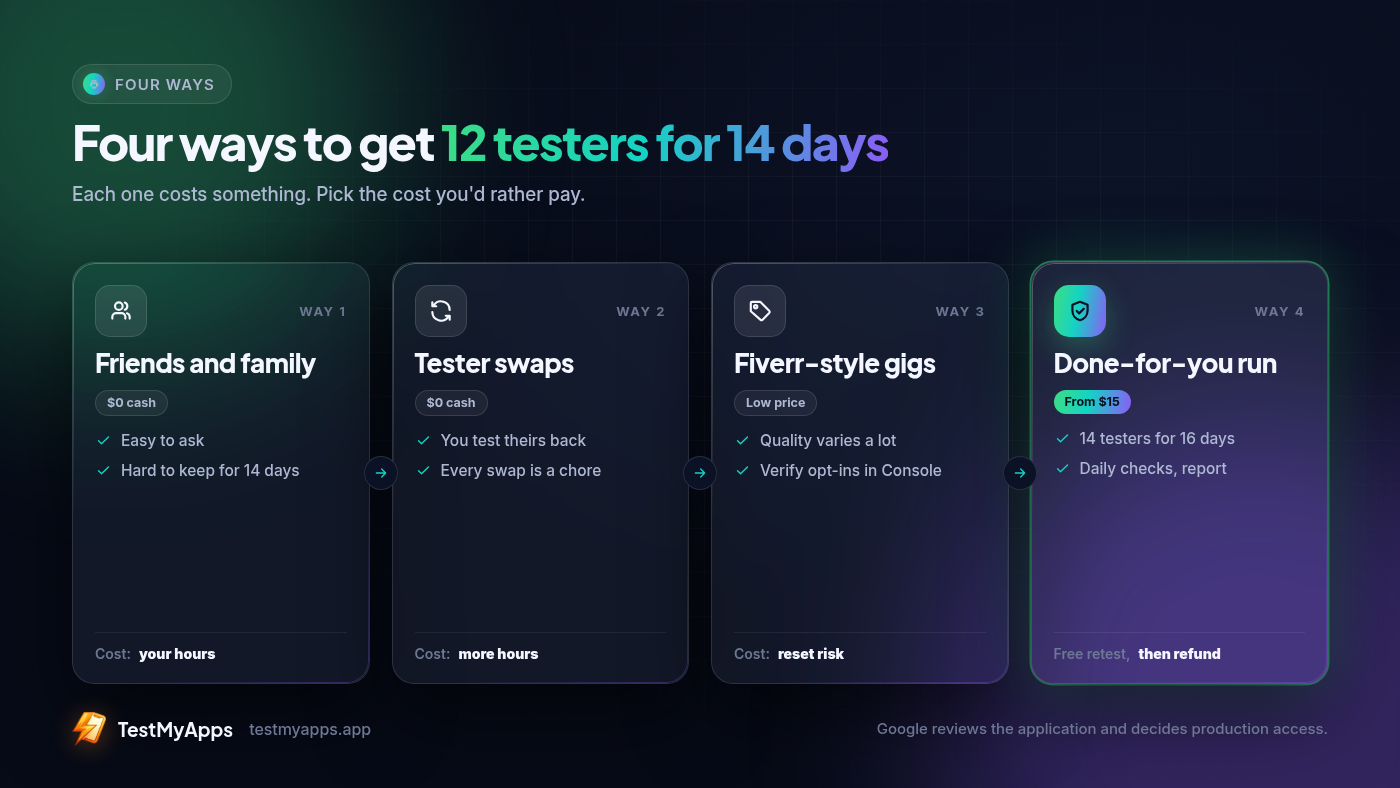
Friends and family. Costs nothing in cash. Costs the most in time. It works if you already have people who reliably follow through, like a team chat full of Android users or a small community that likes your stuff.
Tester swap groups. Reddit threads and Discord swaps can get you to 12. You pay in time spent testing other people's apps, and the group is only as reliable as its least committed member. They can work, but you have to keep an eye on them.
Fiverr-style gigs. Cheap and quick to start. The results vary a lot. Some sellers send real people who stay opted in. Others send installs that disappear in a few days, and then you're paying the restart tax anyway. Before you buy, ask:
Do testers opt in through the official Play link, on real devices?
What happens if someone drops out on day 10?
Do they cover the full 14 days, or just the first install?
Do I get anything I can use in my production-access answers?
A done-for-you closed-testing run. You pay a fixed fee and spend very little of your own time. The thing to check is how dropouts are handled. A decent service keeps more than 12 testers and plans for more than 14 days, so one person leaving doesn't reset you. If they can't explain that clearly, I'd skip them, whatever the price.
Cutting the cost whatever you pick
Aim for 14 testers, not 12. Two spare people is the cheapest insurance you can buy.
Plan to apply on day 16, not day 14. That leaves room in case the count dipped and you didn't notice.
Send one clear opt-in message. Include the link, which Google account to use, "install from the Play Store, not a file," and "please stay in for two weeks."
Ship a stable build before day 0. A crash on first open is the fastest way to lose testers.
Look at the track every day. A dropout caught early is an easy replacement. One caught late costs you a full window.
Keep a running log. Builds, bugs, feedback, fixes. That log becomes your production-access report.
So is DIY cheaper?
Sometimes, yes. If your time is cheap, your network is solid, and nothing depends on a launch date, running it yourself is a good deal. If you bill by the hour, have a client waiting, or have already been reset once, a paid run usually costs less than it looks once you count the hours.
If you'd rather hand it off, that's what we built TestMyApps for: 14 testers for 16 days, testers joining within about 6 hours, from $15 one-time for Basic (Premium: 29 USD), and a production-access report at the end. We've tested 400+ apps with a 99.9% approval rate so far. That's a track record, not a promise; Google still decides production access. If we don't deliver the window, you get a free retest, then a refund (terms: testmyapps.app/guarantee). Whatever you choose, run your own numbers through the worksheet first.
Comments
Join the discussionNo comments yet. Be the first to comment.