Personal Developer Account vs Organization: A Closed Testing Checklist
Two questions decide whether the 12 testers for 14 days rule applies to you.
When someone in an Android dev chat says their Production page is greyed out, I skip the debugging and ask two questions first. What type of Play Console account is it? When was it created?
Those two answers decide whether Google Play closed testing is a formality or a two-week project you need to plan. Here's the checklist I go through, using Play Console's own wording where it matters.
Question 1: Personal or organization?
Play Console has two developer account types. Google says both get the same features and both can earn money on Google Play. The part that catches indie devs out is testing.
Personal is for individuals. Google's examples are students, hobbyists and amateur developers. You can still sell apps and invite other people into the account.
Organization is for a business or other organization. You need a D-U-N-S number to create one, and Google uses it to verify who you are. Dun & Bradstreet issues D-U-N-S numbers for free, so ignore any site that wants a fee to "register" you.
Google also tells some apps to use an organization account no matter who you are: financial products and services, health apps, apps approved to use the VpnService class, and government apps. If your app is in one of those areas, you don't have much of a choice to make.
Question 2: When was the personal account created?
The date to remember is November 13, 2023.
Play Console Help says personal developer accounts created after that date have to run a closed test with at least 12 testers who have been opted in continuously for at least 14 days. Only then can you apply for production access. Until you meet it, Production and Pre-registration stay disabled.
Organization accounts aren't part of this requirement. Here's how I sort it out:
- Organization account: no 12-tester closed test before production. You still go through D-U-N-S verification and normal app review.
- Personal account created after Nov 13, 2023: plan for the closed test from day one.
- Personal account created before that: the rule is written for newer accounts. Check what your Dashboard actually asks for before assuming anything.
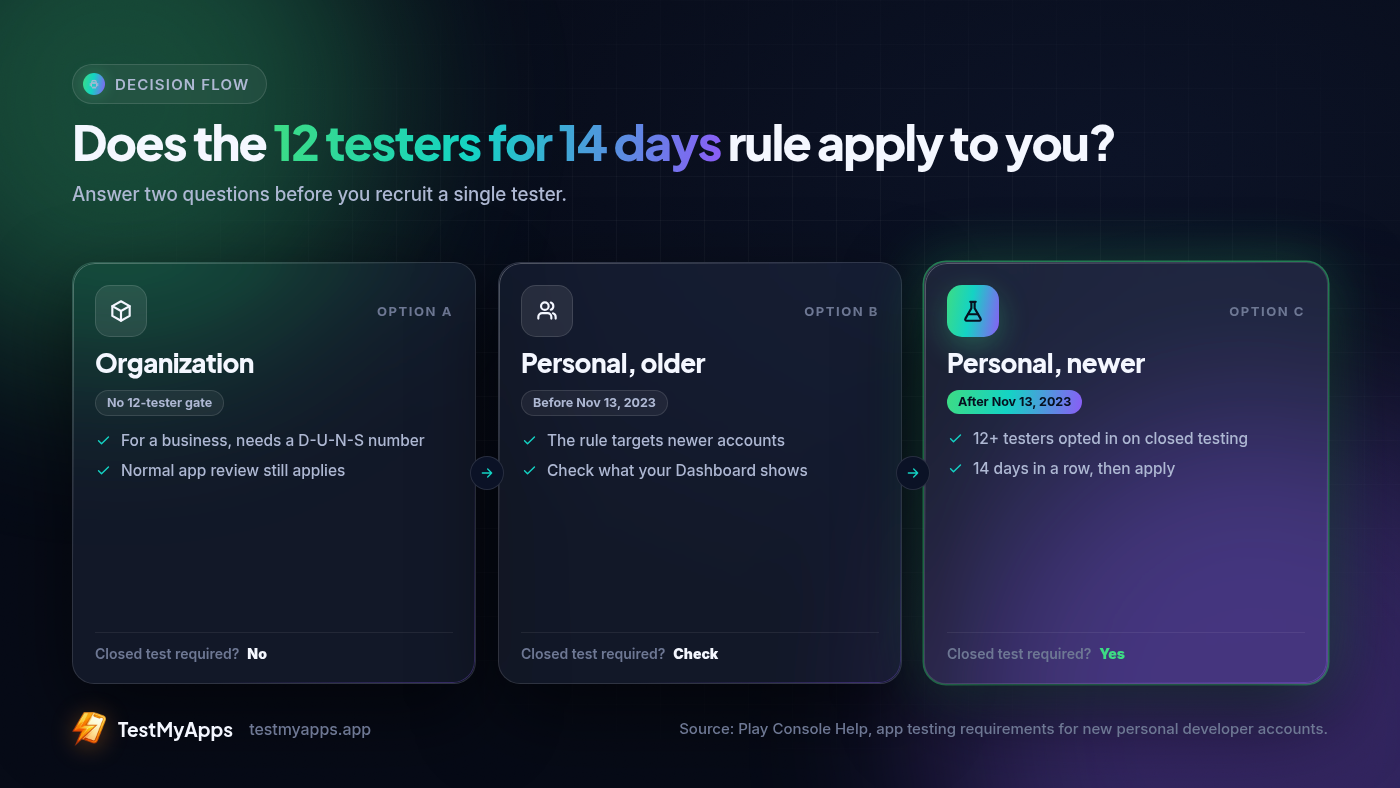 The first two questions I ask before anyone recruits a single tester.
Should you switch to an organization account to skip the test?
My opinion: only if you actually are an organization.
People suggest this as a shortcut all the time. If you already run a registered business, an organization account is where you belong anyway, and skipping the 14 days is a nice bonus. If you're a solo dev with a side project, getting a D-U-N-S number for a business you don't really have is more paperwork than the test itself. Google's guidance is about what kind of developer you are, not which route is faster.
For most people reading this, the answer is to stay personal and run the closed test properly, once.
What the 12 and the 14 actually count
The numbers are easy to remember. How Google counts them is where people get stuck.
- It has to be a closed test. Internal testing is great for your own builds, but it doesn't meet the requirement. Open testing isn't even available until after you get production access.
- Testers have to opt in. Each person joins through the closed test's opt-in link while signed in with the Google account you added. An APK you sent someone doesn't count.
- The 14 days are continuous. Google's FAQ says testers who opt in, test for fewer than 14 days and then opt out don't count. If someone opts out and back in, their 14 days have to be consecutive.
- The count is checked when you apply. At least 12 testers need to be opted in at that moment, and they need to have stayed opted in for the 14 days before it.
That last rule is why I never recruit exactly 12. If one person leaves on day 12, you're waiting again. I aim for 14 or more and leave a couple of spare days before I apply.
My pre-flight checklist for a personal account
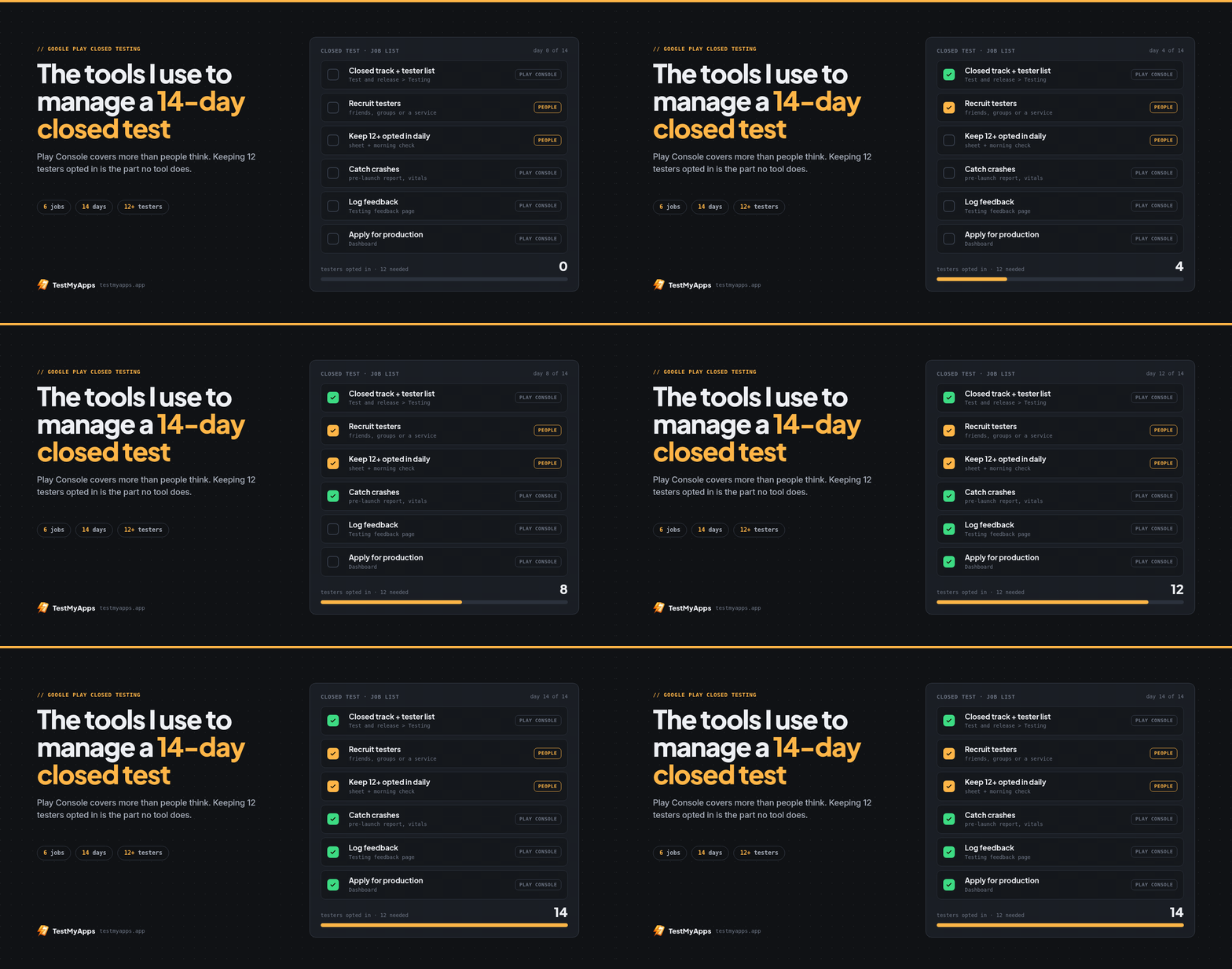
Before I send a single invite, I check this list:
- Account type and creation date confirmed, so I know the rule applies.
- App setup finished. Google only lets you start a closed test after app setup is complete.
- A build on the closed testing track that doesn't crash on first open.
- Tester emails added to the list (or a Google Group) before I share the link.
- One invite message with the opt-in link, which Google account to use, "install from the Play Store, not a file," and "please stay opted in for 14 days." Google's own help page says to tell testers that last part.
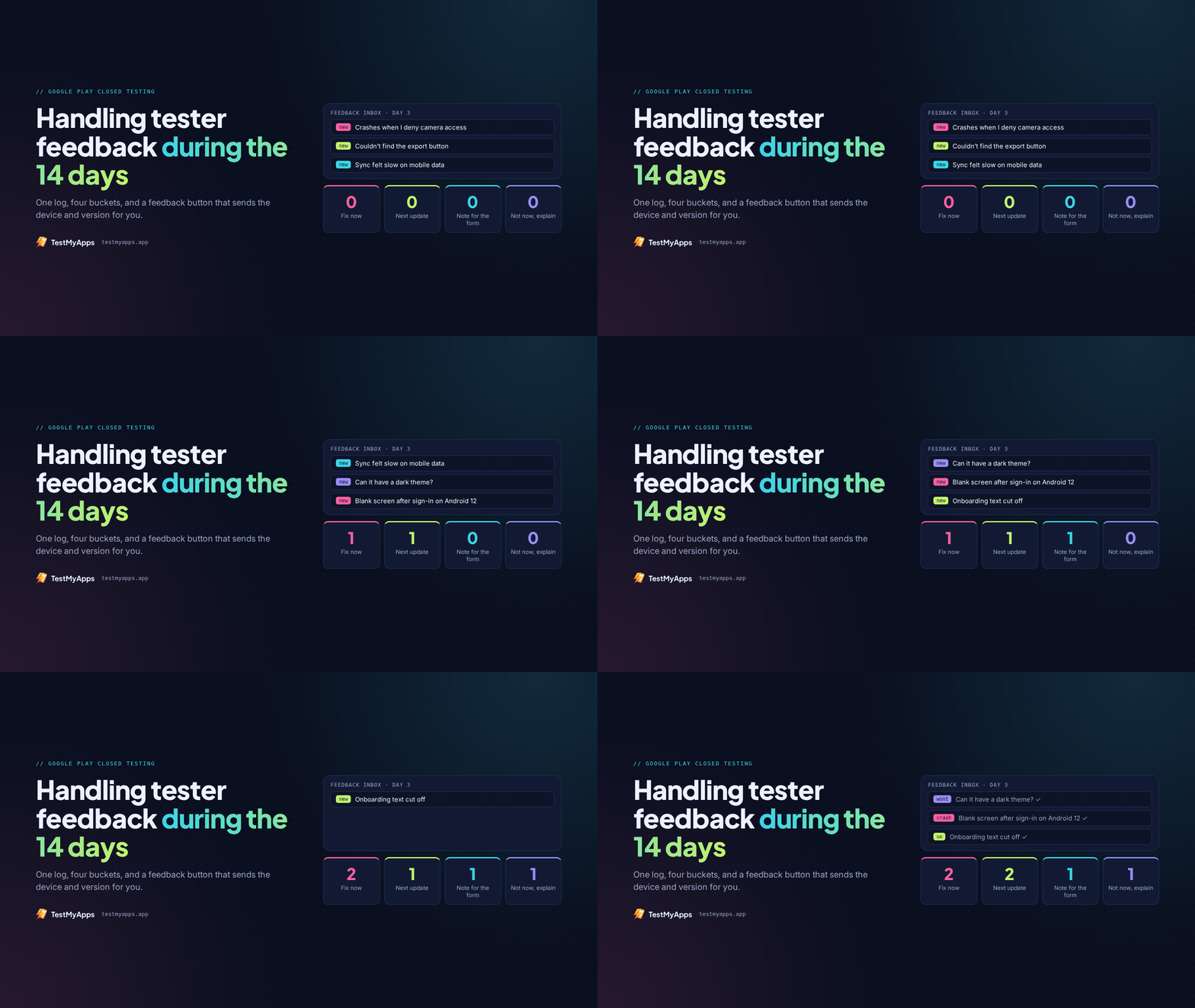
- A feedback channel. Email works, a group chat works, and testers can also leave private feedback through Google Play.
- A plain log: date, build number, what testers reported, what I changed.
- A reminder to check the opted-in count every day or two.
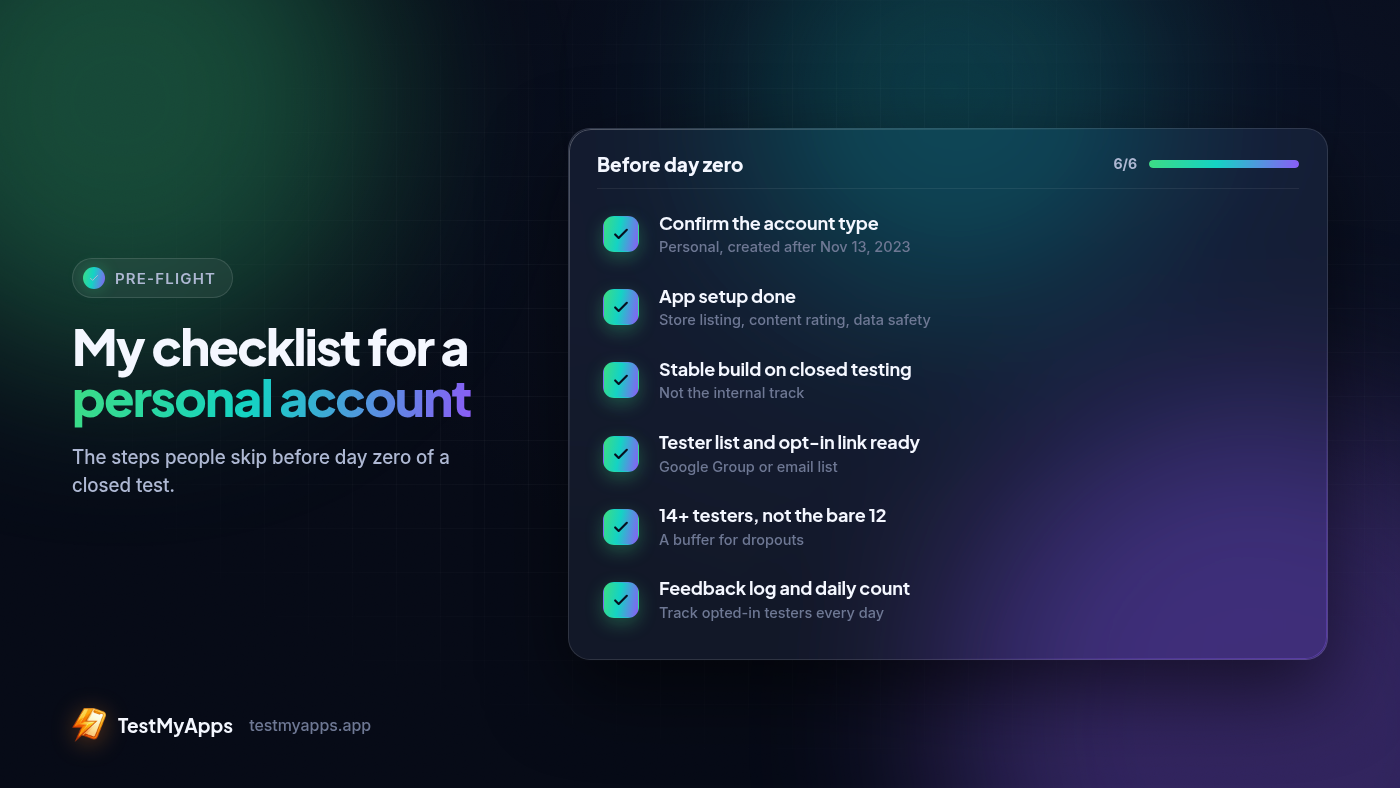 The list I go through before day zero. Nothing clever, just the steps people skip.
None of this is hard. It's just easy to skip one item when you're excited to ship, and most of the reset stories I've read start with exactly that.
The production-access questions, and the notes I keep for them
Hitting 12 testers for 14 days makes you eligible to apply. It doesn't approve anything. You open the Dashboard, click Apply for production, and answer a form with three parts.
About your closed test. How easy it was to recruit testers. How engaged they were, including whether they used all the features and whether their usage matched how real users would behave. Then a summary of the feedback and how you collected it.
About your app/game. Your target audience, the value your app gives users, and an estimated install range for the first year. Google says these answers aren't shown publicly.
About your production readiness. What you changed because of the closed test, and how you decided the app was ready.
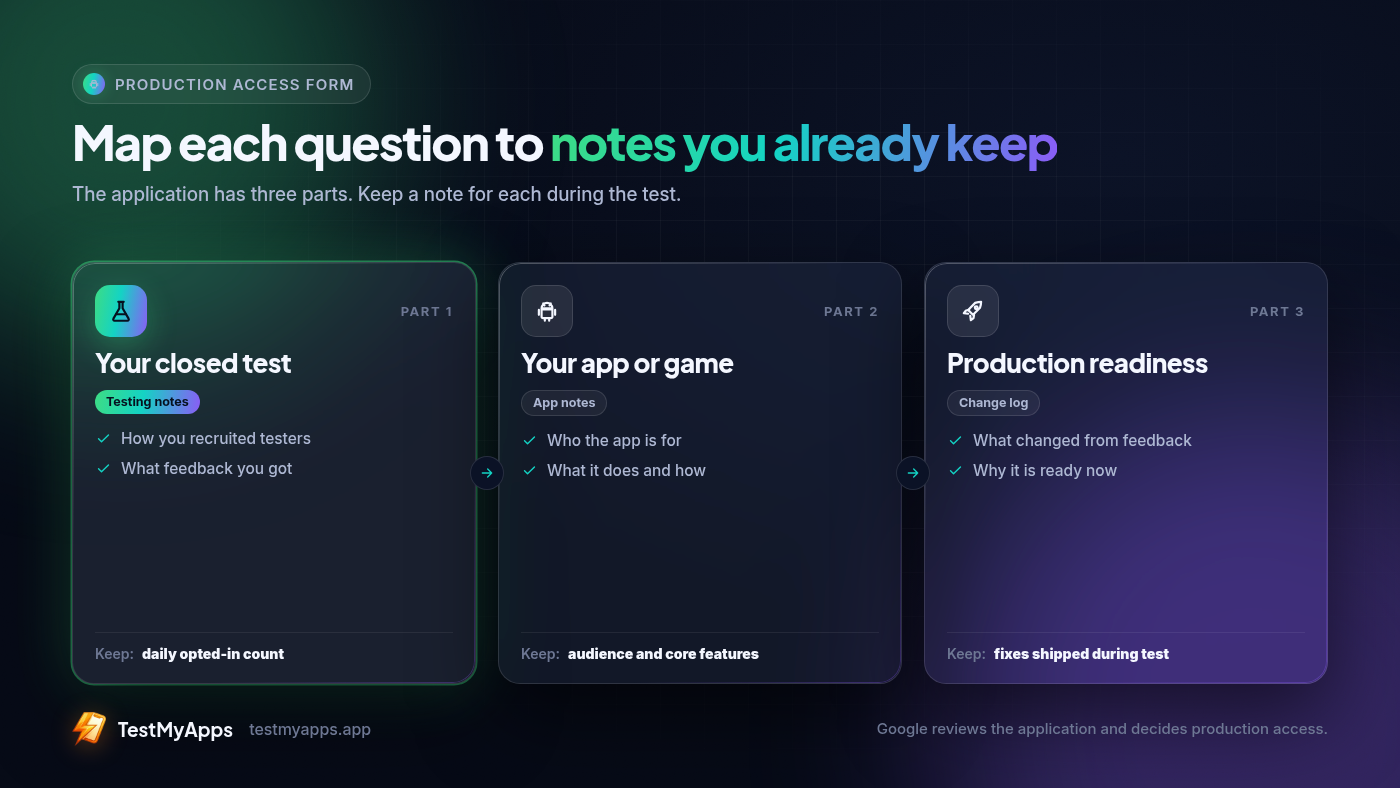 Each part of the production access form, next to the note that makes it easy to answer.
If you kept the log from the checklist, this form takes an evening. If you didn't, it's an evening of trying to remember. I write mine up like a short production-access report: which devices and Android versions testers had, what broke, which build fixed it, and why I think it's ready now.
Specific beats polished every time. "Two testers on Android 12 saw the login screen freeze, fixed in build 1.0.3" says far more than "testers loved it."
Google says review usually takes seven days or less. If they decide you need more testing, for example because fewer than 12 testers were opted in or engagement was thin, you keep the closed test running and apply again later.
Running it yourself vs hiring testers
If you have a dozen Android-using friends who will actually follow through, run it yourself. It costs nothing and their feedback is often the most honest you'll get.
The weak spot is follow-through. People join with the wrong Gmail, install from a file you sent, or quietly uninstall in week two. Fiverr gigs can work, but read the listing closely. You want official opt-ins, the full 14 days covered, and someone replacing dropouts. A bundle of installs isn't the same thing.
The short version
- Organization account: no 12 testers for 14 days rule, but you need a D-U-N-S number and it should really be a business.
- Personal account created after Nov 13, 2023: closed test, 12+ testers opted in for 14 continuous days, then the three-part form.
- Whichever you have, keep notes while you test. It's the step everyone regrets skipping.
If you'd rather not run the two weeks yourself, TestMyApps can get you 12 testers for 14 days. A run uses about 14 testers for about 16 days, so one dropout doesn't reset you, and testers usually join within about 6 hours of ordering. Plans start from $15, and each run ends with a production-access report you can use for the form. Their track record is a 99.9% approval rate, but nobody can promise production access, because Google makes that call. If you're not approved, you get a free retest, and if that still isn't approved, a refund (terms).
Comments
Join the discussionNo comments yet. Be the first to comment.