
Google Play Closed Testing Streak Reset: Why Your 12×14 Window Dies Midway
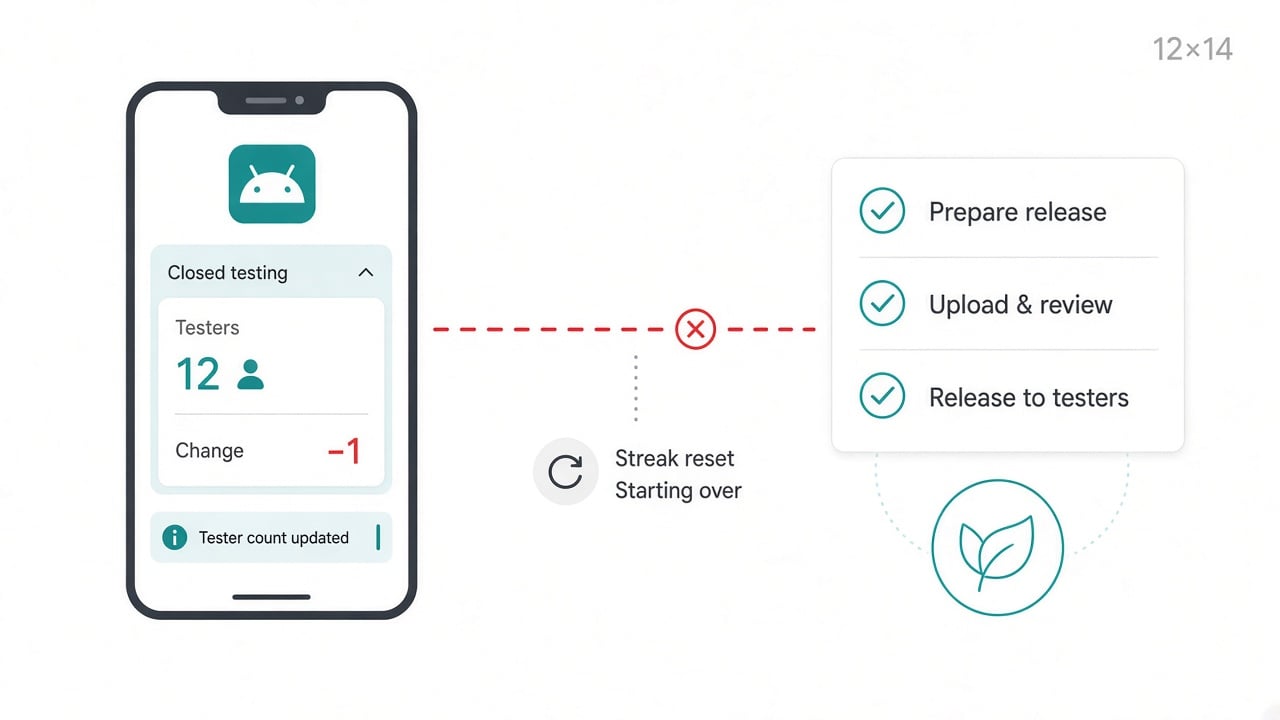
You had twelve people opted in. Play Console looked fine on Monday. By Thursday someone was gone, and the continuous window you’d been babysitting felt like it never started.
That’s a Google Play closed testing streak reset in real life. No dramatic banner, just a count that slips under twelve while you’re busy shipping.
This post is the practical version of what I’ve learned running 12 testers for 14 days windows for personal Play Console accounts: what continuity actually means, why dropouts are normal, and how to design a run that survives them. I've watched more of these windows die on day nine than I'd like to admit.
What “12 testers for 14 days” is actually counting
For many personal Google Play developer accounts created after November 13, 2023, production access sits behind a closed-test gate: at least 12 testers opted in continuously for the preceding 14 days.
Google is not asking whether twelve people ever installed your build. Closer to:
Did you keep at least 12 opted-in testers on the closed track for 14 continuous days right before you apply?
The details that trip people up:
Opted in means the official Play Store closed-testing join. A sideload group chat or a Google Sheet of emails doesn't count.
12 is a floor. Eleven for an afternoon can put the streak at risk.
14 days is sustained presence, not fourteen installs spread across a month.
Recruitment gets you to day one. Continuity gets you to day fourteen.
What a reset looks like when you’re in it
Usually there’s no fireworks. The pattern is boring and expensive:
You start with exactly twelve friends or freelancers.
Someone uninstalls after a crash, switches phones, or leaves the testing program without saying anything.
Play Console shows you’re under twelve.
You may need a clean continuous stretch again once you’re back at twelve.
The cost isn’t only emotional. You delay store assets, pause launch messaging, and tell stakeholders “we’re still in closed testing” for another fortnight. That’s why experienced publishers plan for dropout, not for a perfect roster of exactly twelve.
Why the count slips (even when people said yes)
Soft commitment. Friends say yes once. They don’t calendar two weeks of “stay opted in and open the app.”
Device reality. Phones get wiped, sold, or replaced. Emulator-only seats often aren’t what you want for a meaningful closed test anyway.
Silent churn. Someone leaves the testing program. You notice after the damage is done.
No monitoring habit. Checking the tester count once at the end of week one is how resets happen.
Gig ambiguity. Fiverr-style gigs can help, but some sellers optimize for a screenshot of twelve installs rather than two weeks of monitored presence. If someone disappears on day nine, the reset risk is still yours.
Prevention that actually moves the odds
You can’t outlaw dropouts. You can stop designing for zero dropouts.
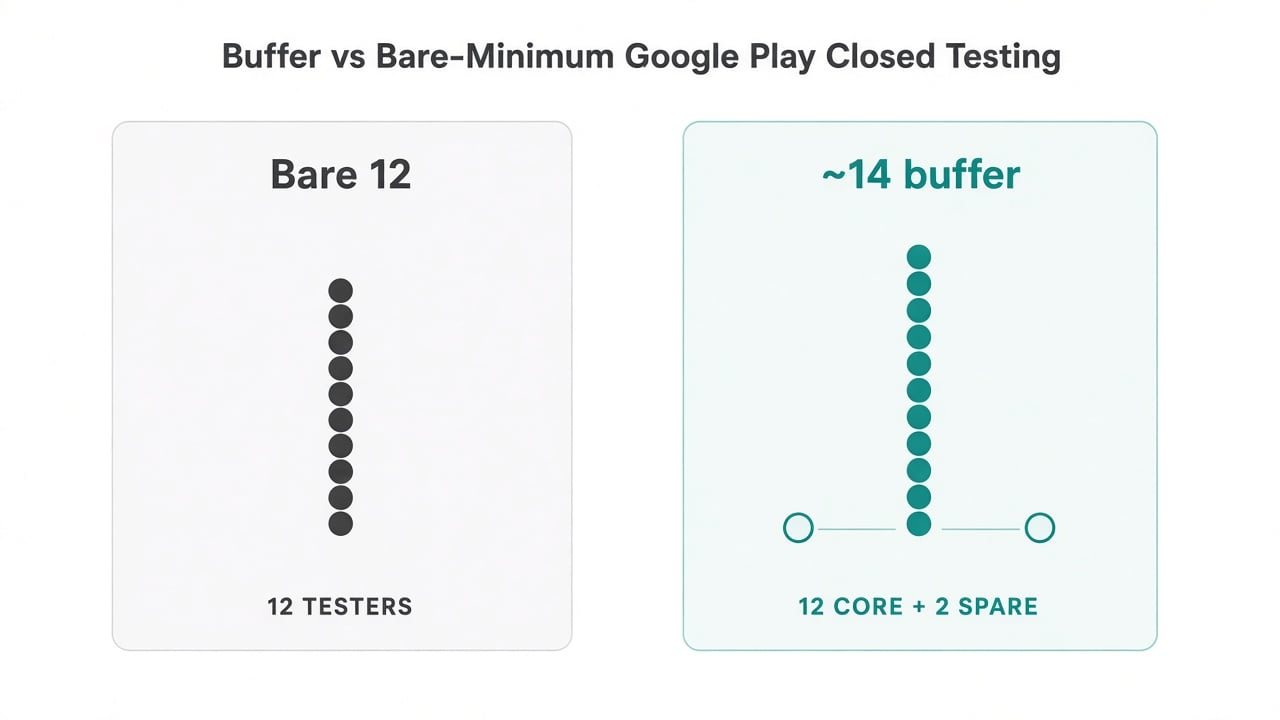
The buffer I plan for: about 14 people over about 16 days.
1) Headcount buffer
Aim for about 14 testers, not bare-minimum 12. One or two exits shouldn’t put you under the floor.
2) Time buffer
Run about 16 days, not a fragile exact 14. Messy starts and late opt-ins eat calendar days.
3) Daily eyes on the count
Someone checks the opted-in count every day, especially in week one. Continuity needs a habit, not a hope.
4) Official opt-ins only
If they didn’t join through the Play Store closed-testing link, don’t count on them for the policy gate.
5) Fast replacement when you DIY
I keep two backup people ready. Replacing a dropout tomorrow beats discovering an eleven-count on day thirteen.
Buffers don’t change Google’s rules. They change your odds of satisfying those rules on the first attempt.
DIY vs paying someone to run the window
DIY is fine if you already have a reliable Android-tester bench and you’ll watch the count daily. It’s a bad fit if you’re solo, launching soon, and your “testers” are busy friends.
Managed Google Play closed testing services (including what we run at TestMyApps) exist for the logistics problem: official opt-ins, buffer capacity, monitoring, and a production-access report you can use when answering Google’s questionnaire. Pricing on our side starts at $15 for one app run. Completing 12×14 makes you eligible to apply. Google still decides production access, and nobody honest sells a guaranteed approval.
Quick checklist before you start the clock
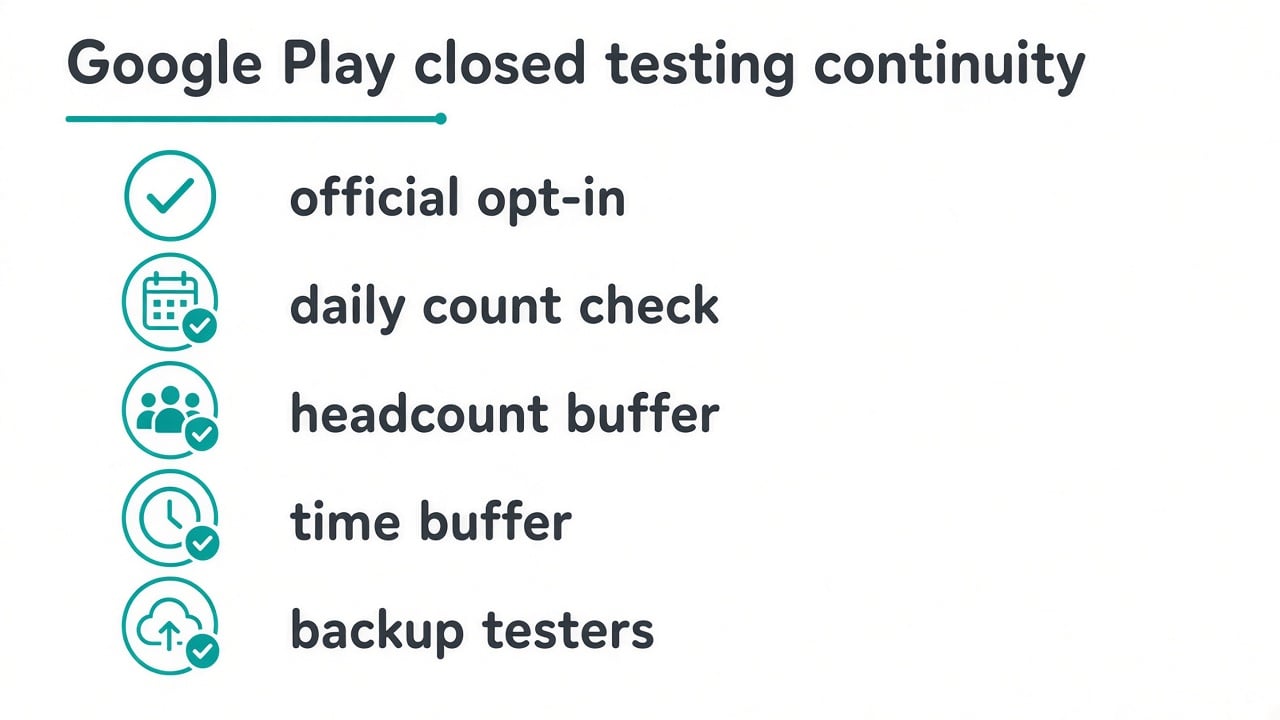
The pre-start checklist I run before the 14-day clock begins.
[ ] Closed track link ready (official Play opt-in, not sideload-only)
[ ] Target ~14 testers, not exactly 12
[ ] Plan ~16 calendar days
[ ] Daily check of opted-in count for at least the first week
[ ] Two backup testers identified
[ ] Notes you’ll want for the production-access questionnaire later
Bottom line
A streak reset usually means your plan assumed perfect attendance. Google Play closed testing for production eligibility is a continuity problem. Design for dropouts with spare people, spare days and a daily look at the count, and the 12×14 window stops feeling like a coin flip.
If you'd rather have the window run for you, here's how our managed Google Play closed testing works. Everything above works fine as a DIY plan too.